
Solution 03 / Fabrication
NC files for Light Steel Frame roll-forming.
Carry resolved profile geometry from the NodusCad project into fabrication data. The optional NC module describes member lengths and operations such as cuts, holes, dimples and swages for a configured production workflow.
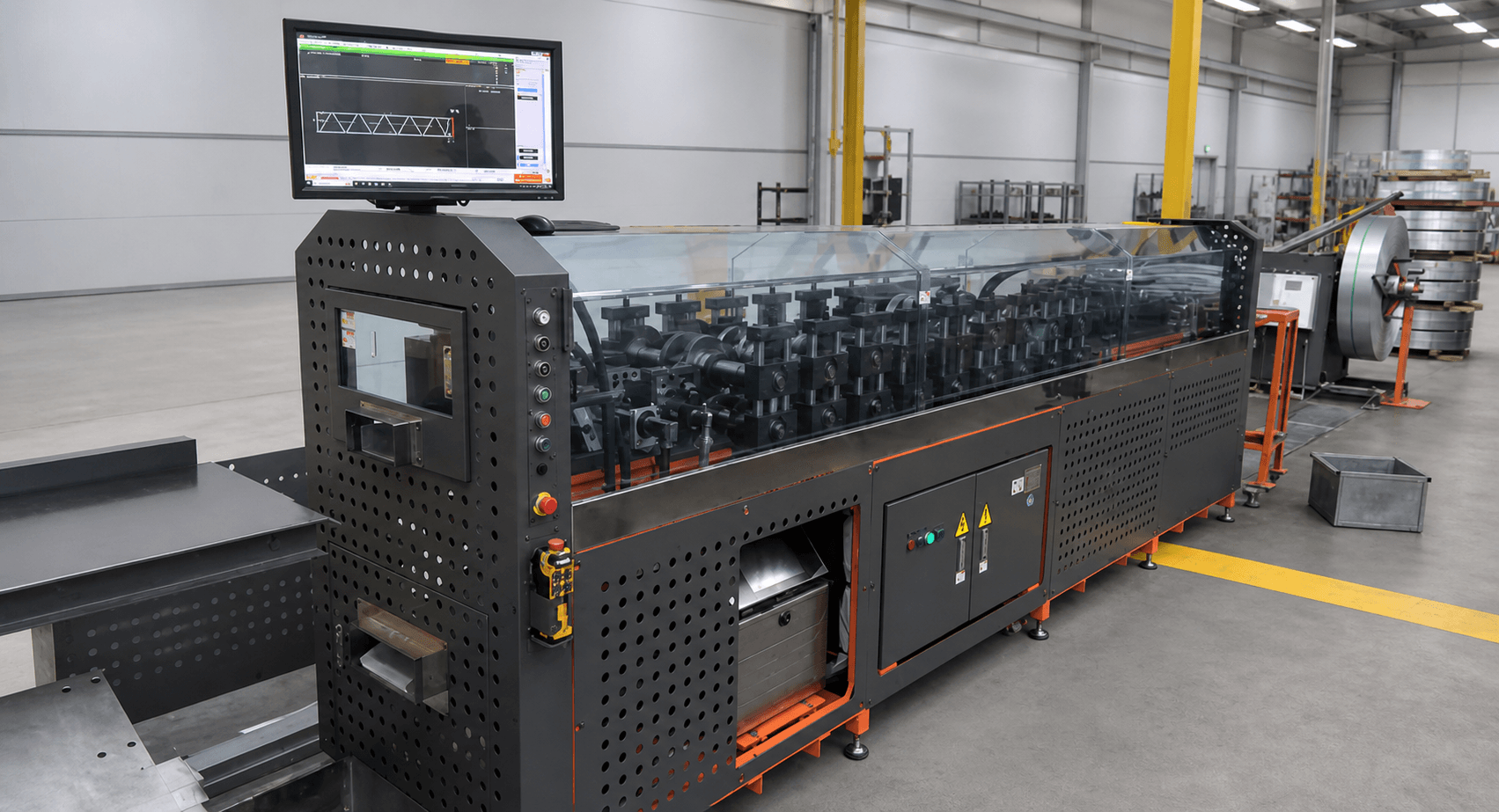
fabrication data
resolved operations
panel or project export
add-on module
01 / Model-to-machine data
Production information derived from resolved members.
NC fabrication files translate a detailed cold-formed steel member into machine-readable production operations. In NodusCad, that information begins with the actual profiles, connections and service features resolved in the project model.
Keeping fabrication data connected to detailing helps reduce manual transcription between shop drawings and the roll-forming line. The export remains an optional module because not every engineering or detailing team operates production equipment.
Profile-level data
Describe each member using its section, length, orientation and resolved fabrication features.
Resolved operations
Carry cuts, service holes, dimples, swages, notches and fixing positions into the fabrication dataset.
Organized export
Prepare machine data by profile, panel or job so production batches follow the project organization.
Configuration control
Align export settings with the intended roll-forming workflow and validate them before releasing a production batch.
02 / Fabrication sequence
Resolve first. Export after the production model is checked.
NC output is the last connected step, not a substitute for reviewing the model and machine configuration.
- 01
Detail
Resolve member geometry, connections, holes and other fabrication features.
- 02
Organize
Confirm profile assignments, panel grouping and member identification.
- 03
Configure
Select the appropriate machine/export setup for the production line.
- 04
Validate + export
Review the production data and issue the NC batch for fabrication.
03 / NC information
Machine-oriented data for resolved LSF profiles.
The exact supported output and operations depend on the configured production line and project setup.
- Output 01Member and profile identification
- Output 02Profile length and orientation
- Output 03Cuts, mitres and end conditions
- Output 04Service holes and fixing locations
- Output 05Dimples, swages, notches and tabs
- Output 06Batch data organized by panel or job
04 / Questions
Roll-forming NC file FAQ
01What is an NC file for a roll-forming machine?
It is a fabrication data file that communicates profile dimensions and supported operations to a compatible production system. Its exact schema depends on the machine and controller.
02Which profile operations can NodusCad describe?
The NodusCad workflow can represent operations such as cuts, holes, dimples, swages, notches, tabs and fixing locations when they are supported by the selected configuration.
03Is the NC module included in every plan?
No. NC fabrication is an optional module, allowing design and detailing users to choose it only when their workflow includes roll-forming production.
04Does an exported file go straight to any roll-former?
No universal NC format covers every machine. The export must match a supported and verified machine configuration, and production data should be reviewed before use.
Move resolved profile data closer to the line.
Explore the complete NodusCad workflow and add the NC module when your production setup is ready.